
For many years, Power BI developers have complained about the lack of good Git integration. The previous Power BI Service Git integration was not very mature and difficult to use. Fabric’s implementation is much improved and is getting better.
Updated: 4/30/25
Why should you adopt Git integration as part of your Fabric development process?
- Version comparison and rollback capability. What were report changes between versions? Was there a problem with the current version? Revert to the previous version.
- Historical documentation. With version control, you can view a list of changes over time. This can be helpful when you are trying to create release tags.
- Consistency, stability and maintainability. The team can create a testing and deployment process that prevents direct changes to the production environment. This increases the chances the production report is stable and available to the target audience.
- Parallel development. Report and model design merging is possible. Multiple users can make changes with reduced chances of losing work.
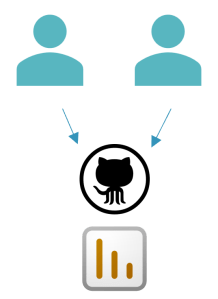
Fabric Git integration is at the workspace level

Self-service authors need workspace contributor access. Governance and data security should be considered. Is the user/group’s write access acceptable for all items in the workspace? Review the items in the workspace and make sure the governance policies will be adhered to by granting contributing rights to the authors. ‘Read/Build’ Access can be granted to the semantic model item. The author can create reports from a separate Git enabled workspace.
Also, the user would need contributor access to the Git repository. Are there any concerns with granting access to existing items?
What if you need to track changes to only one report using Git?
You could set up a separate Power BI Project folder in a separate Git repository. Authors would need contributor access to save their pbip report files.


This process is very useful for those one-off reports that are not part of a deployment process, but users like the benefits of version control. Users will use a local Git client to manage committing and syncing changes with the remote repository. Visual Studio Code is a great tool for managing your project with Git locally.
If you need the report to be part of a deployment process, then the deployment pipeline configuration boundary is at the workspace. The single report Git integration solution will not work.
Git and workspace access:
What does the organization require?
We covered workspace and item level access scenarios. When determining the access levels you have to weigh authors needs against the governance policies. There is always a balance. If you lock down the environment too much, you will make everyone’s job difficult. Then the development process and tool adoption might be greatly impacted. Another poor outcome might be users creating a shadow process which is more expedient. This process works for them but is out of leadership’s purview.
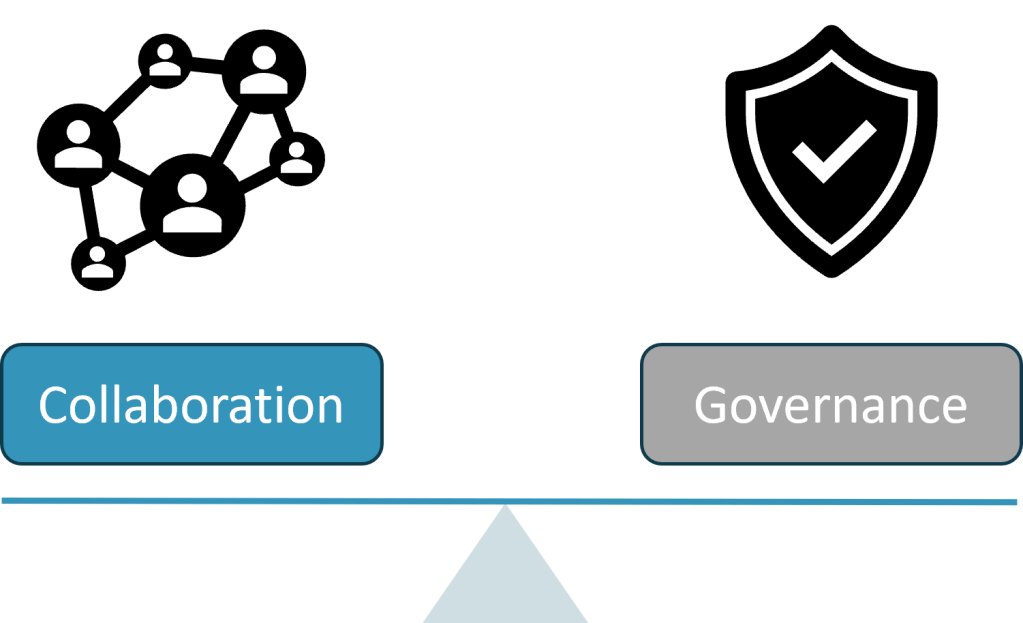
Consider the following regarding access decisions:
- Data security – How sensitive is the data?
- Self-service – Is the report for a small team or individuals?
- Who is the report target audience and what is the report’s level of importance? Small department or organization-wide audience? C-level?
- Report author resource skill set – Very familiar with Git tools and the change synchronization process or more simple PBIX reports?
- Admin resource allocation – Do the administrators have time to govern and manage the report changes?
In the ‘Part 2’ article, we will cover author persona decisions regarding a Git version control process.

 Tailored Technical Solutions