
Design your Fabric access and process around personas
Updated: 5/1/2025
Not all Fabric personas are the same. Each persona may have different responsibilities, skill sets, and needs. When you design your access plan, you need to think about the details.
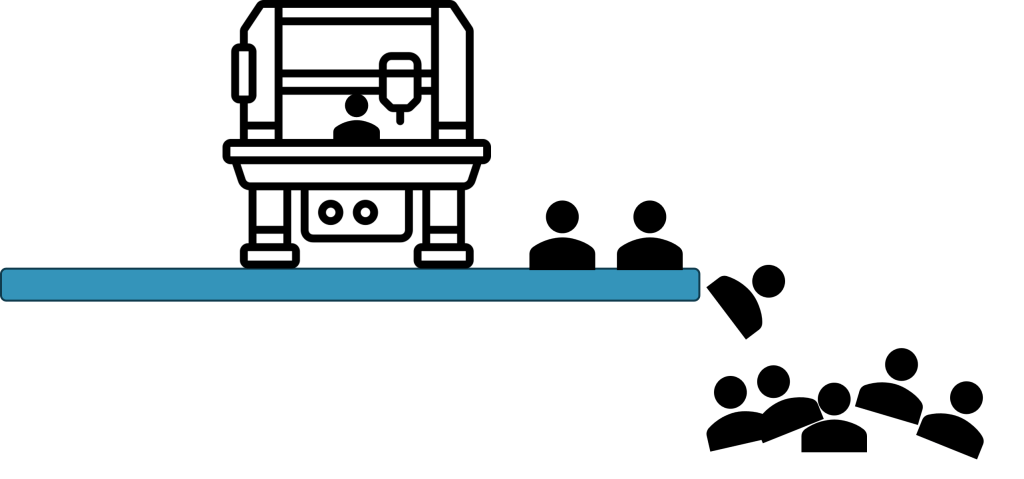
Expecting all users to follow a single process is a recipe for unhappy users. This article will focus on business analysts, data analysts, and engineers. In the past, analysts “usually” focused on building reports in Power BI Desktop and publishing to the Power BI Service workspace. The data, model, and report metadata was contained in a single PBIX file. Life was simple and good, mostly.
Simple is always good?
A common scenario: A simple report starts off with a user creating a report using one or more CSV or Excel data extract files in Power BI Desktop. The report is shared in the Fabric service. The target audience loves the report and wants more report visuals faster. Audience members watch a YouTube video on Power BI and try their hand at citizen report development. The citizen developer downloads the report from the Fabric service and makes changes. Unfortunately, when other report authors download and make copies of the PBIX files, it creates rework and confusion regarding which report contains the validated and tuned data model. Fixing report and model bugs becomes impossible when admins have no idea where the report is hosted. Duplicated work effort is not the only cost.
Manually refresh data from data extracts leads to stale data. Users start requesting individual access to the data sources. Administrators and data stewards now have a problem with matching users’ data need and the organization’s governance policy. Also, what if access to the data source requires a new license? Now, there is an additional cost for that.
What a load
Duplicate report models pull the same data from the data sources. The act of data refreshing may cause a performance load on back-end systems. Nothing is for free. Duplication creates unnecessary cost and performance problems on shared resources. Imagine scheduling duplicate report refreshes several times a day. Unplanned conflicting analytical queries run can starve shared system resources. Administrators have to hunt down phantom transient errors. Refreshing and querying data is not free. Also, report authors not aware of and not directly responsible for cloud computing costs can run up an expensive bills depending on the import mode. A shared decision based on requirements needs to be made.
The thin report architecture
Report distrust and runaway costs follow when there is a lack of governance. To avoid duplicating the efforts and getting a handle on governance, some organizations adopted a thin report architecture. This architecture helps reduce the problems mentioned. The goal is to create a validated centralized a semantic model. Allow authors to create reports against a governed live connected model.
Designing an enterprise report model can be challenging. In larger organizations, the responsibility for creating the centralized model fell upon the data engineers. Data sources could be multiple databases or web APIs. The process of merging the analytical data into a usable and clean state requires specialized technical knowledge. Each data source could have different names for tables and columns. Standardized naming conventions need to be applied. Which credentials should we use? How do we keep them secure? Perhaps, we should use an Azure Managed Identity.
Data stewards are usually cautious about providing access to large groups of users in the organization. Who is accessing the data? Why do they need it? A centralized model offers a well understood exposure map. User events can be logged and monitored.
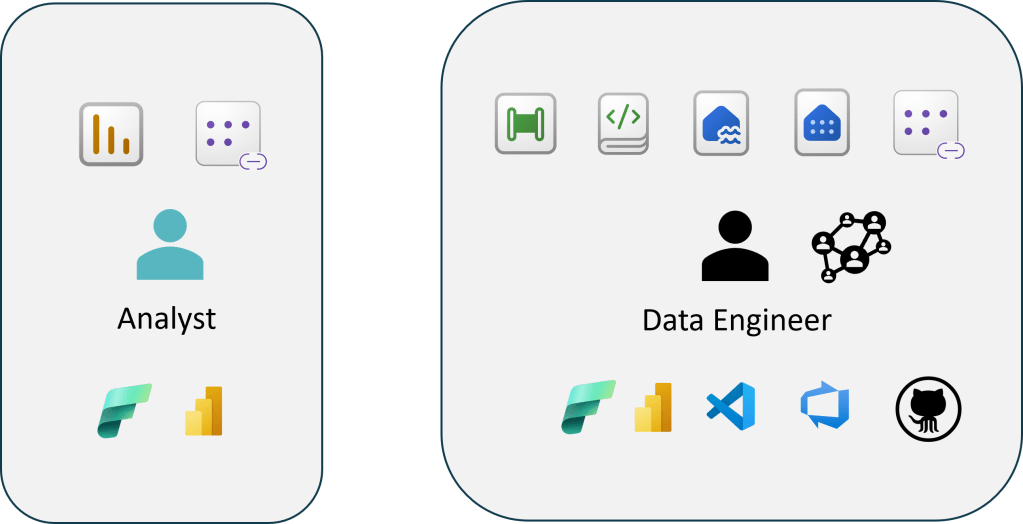
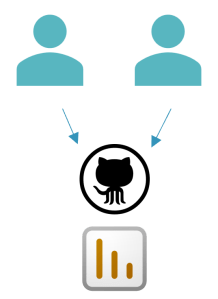
Data engineers are tagged with the responsibility of serving up stable well-governed analytical data. They use tools like Visual Studio Code, Azure, and Git all the time. They usually have to collaborate with multiple team members to complete work.
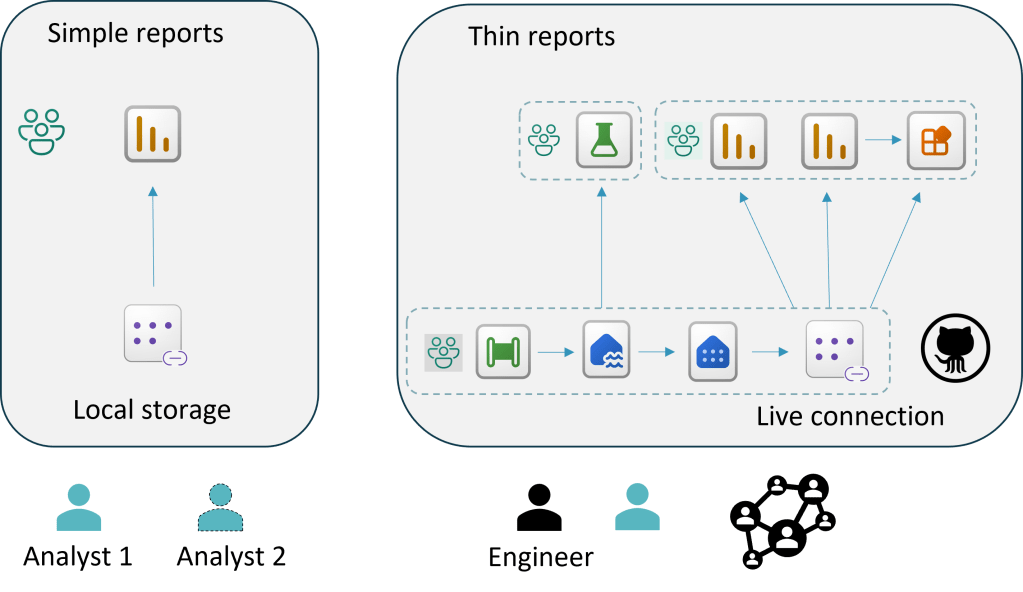
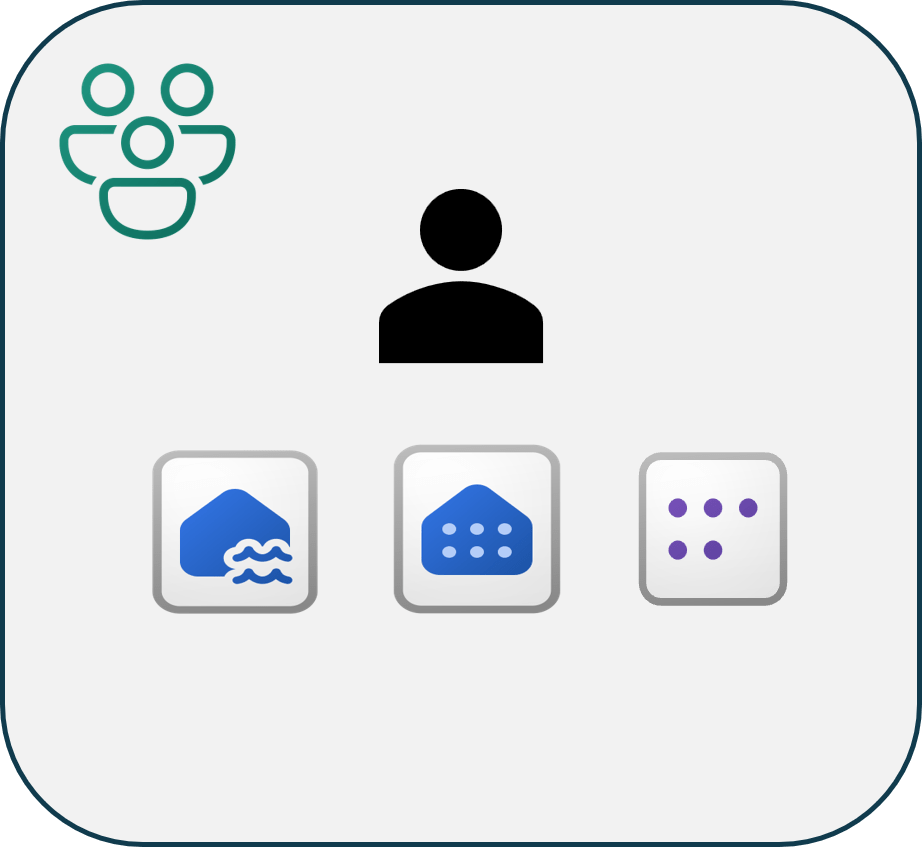
OK, we split the semantic model from the report. The data engineer controls the gold analytic serving layer. The analysts are granted viewer access to the semantic model.
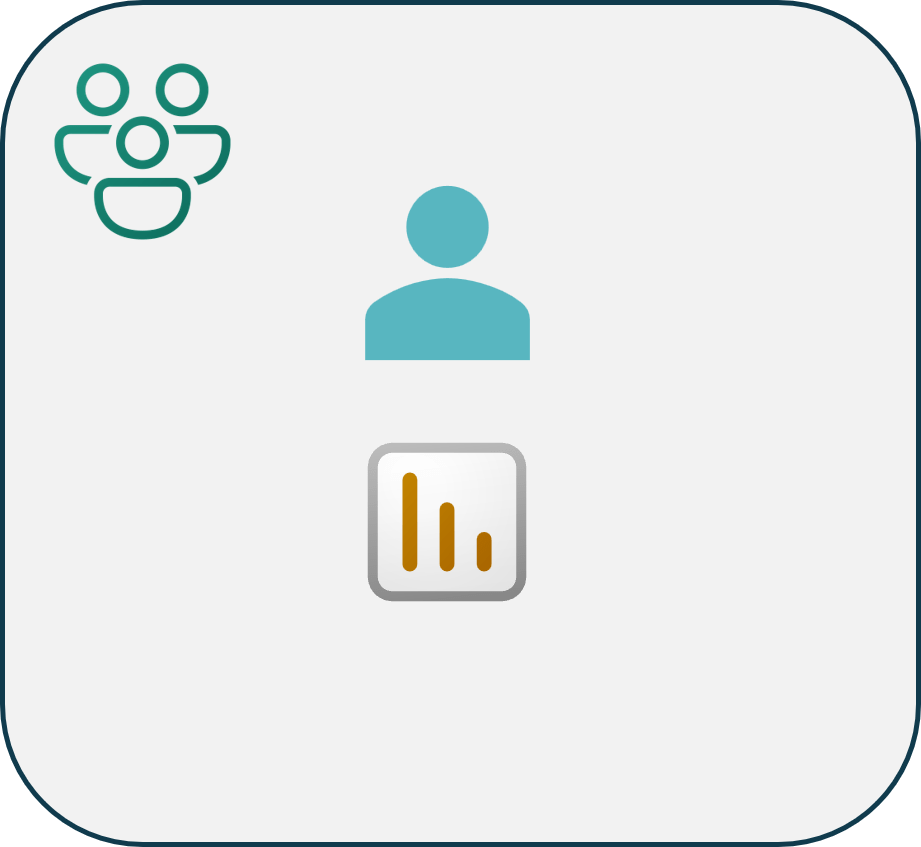
The analyst updates their report in their own workspace. They can be granted contributor access report workspace. The workspace is integrated with Git.
Everything is great, or is it?
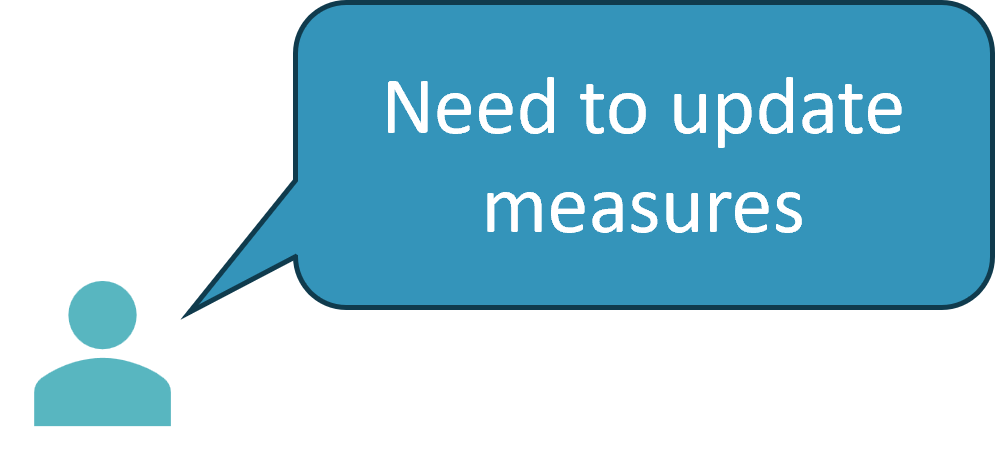
Now, what do you do? The analyst wants to update the semantic model. Do you provide contributor access to the DEV Gold workspace so they can update the model measures? Is the team content with providing analysts write access to the Lakehouse files and the SQL Endpoint? Do you create a separate workspace for the semantic model? Multiply that by DEV, TEST, PROD environments?
When you are designing a governance access plan, I recommend writing down a simple list of personas and use cases for your organization. Then, you can think about applying different access levels to satisfy the requirements.
Example:
Personas
- Data engineer
- Ingest, transform, and merge data into serving layer.
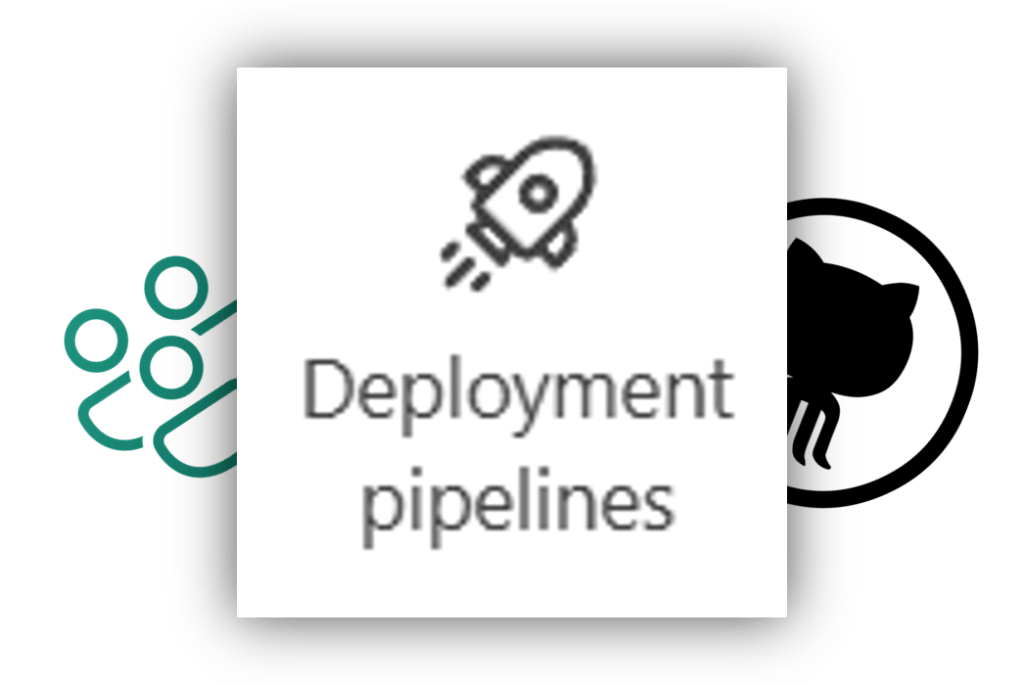
- Deploy updates to each of the environments.
- Analyst
- Create reports against existing semantic model.
- Create local semantic model. Create a composite model.
- Lead analyst
- Create reports and update semantic model measures.
- Report consumers
- View reports
In part 3, we will discuss how different responsibilities and problems require different tools. If you want an analyst to follow a new process, what would be the change management involved?



 Tailored Technical Solutions